Websites Will Save Hours on Web Development


Five websites that will save two plus hours per week for web developer.

grammarly.com

Get automatic detection and correction of grammar, spelling, and punctuation errors.


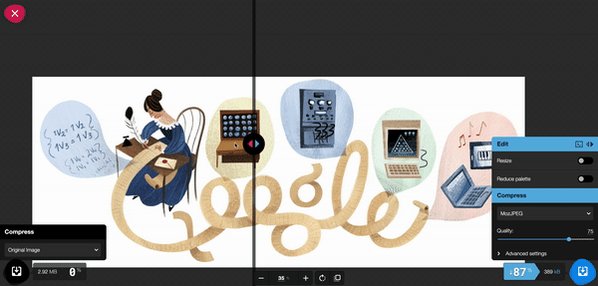
squoosh.app

Compress images in browser without losing quality.


screenstab.com/editor

Turn plain screenshots into dazzling image assets.


Visual Studio - Instant Beautiful Code

Generate pretty code snippets right out of VSCode.


loading.io

Create custom animated loaders and spinners.

Comments

Popular posts from this blog

Create Vertical Text - CSS

From the old internet, the direction of text is pretty much fixed on left-to-right. In modern CSS has addressed the issue and supports vertical text with ease. Right to Left Vertical Text Right to Left Vertical Text HTML <div class= "v-rl" > <p> Right to Left </p> <p> Vertical Text </p> </div> CSS .v-rl { writing - mode : vertical - rl; } Left to Right Vertical Text Left to Right Vertical Text HTML <div class= "v-lr" > <p> Left to Right </p> <p> Vertical Text </p> </div> CSS .v-lr { writing - mode : vertical - lr; } All Characters Upright All Characters Upright Ultraman ウルトラマン HTML <div class= "t-upright" > <p> All Characters </p> <p> Upright </p> <p> Ultraman ウルトラマン </p> </div> CSS .t-upright { writing - mode : vertical - rl; text - orie...

Input Range with CSS

  Use ::in-range and ::out-of-range pseudo-classes to style input depending on input value. DEMO 1 to 10 are valid. HTML < label > 1 to 10 are valid .</ label > < input type = "number" value = "1" min = "1" max = "10" > CSS input : in - range { background - color: limegreen; } input :out - of - range { background - color: orange; }

Distortion Glitch Text Effect - CSS

  Use multiple text-shadow properly in CSS on a text by comma separating the values. DEMO Distortion CSS h2 { color : darkorange ; font-family : sans-serif ; font-size : 3.5em ; text-transform : uppercase ; text-shadow : -3px -3px 0 cyan , 3px 3px 0 pink ; }